
Conf Circles: Event Contacts
Screenshots to follow-ups
Twenty profile screenshots from one conference and no messages sent yet? Turn them into a list for that event and get a nudge to write. New: save anyone to Contacts.
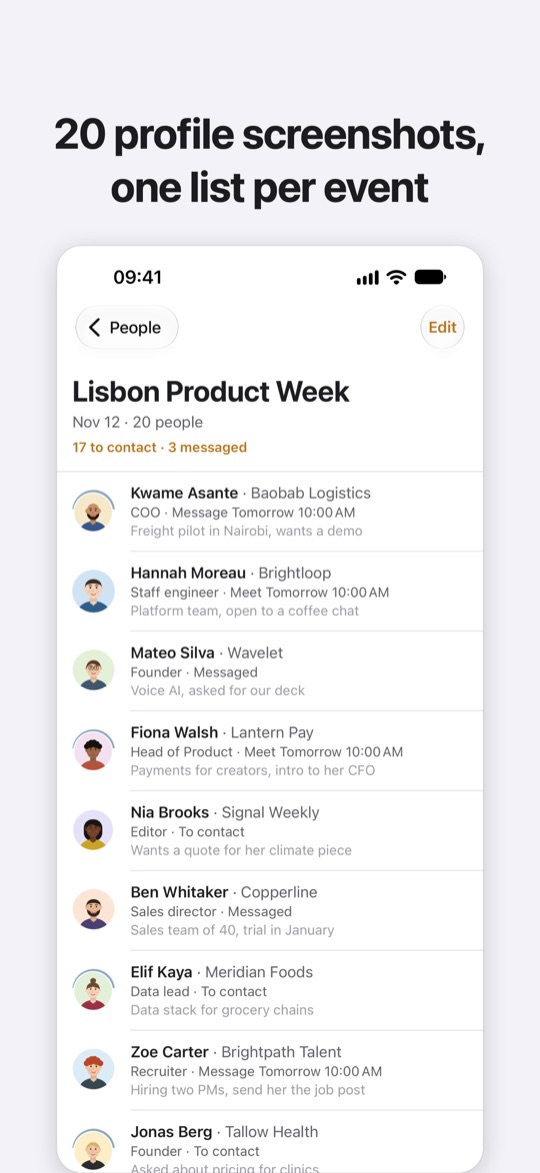
You met twenty people at the conference and took a screenshot of each profile so you would not forget them. A week later the screenshots are buried in your camera roll and you have written to nobody.
Conf Circles turns those screenshots into a list of the people you met at that event, then reminds you to write while they still remember you.
START WITH THE EVENT
Name the conference or meetup, then pick its screenshots. Everyone you keep lands under that event.
FROM SCREENSHOTS TO PEOPLE
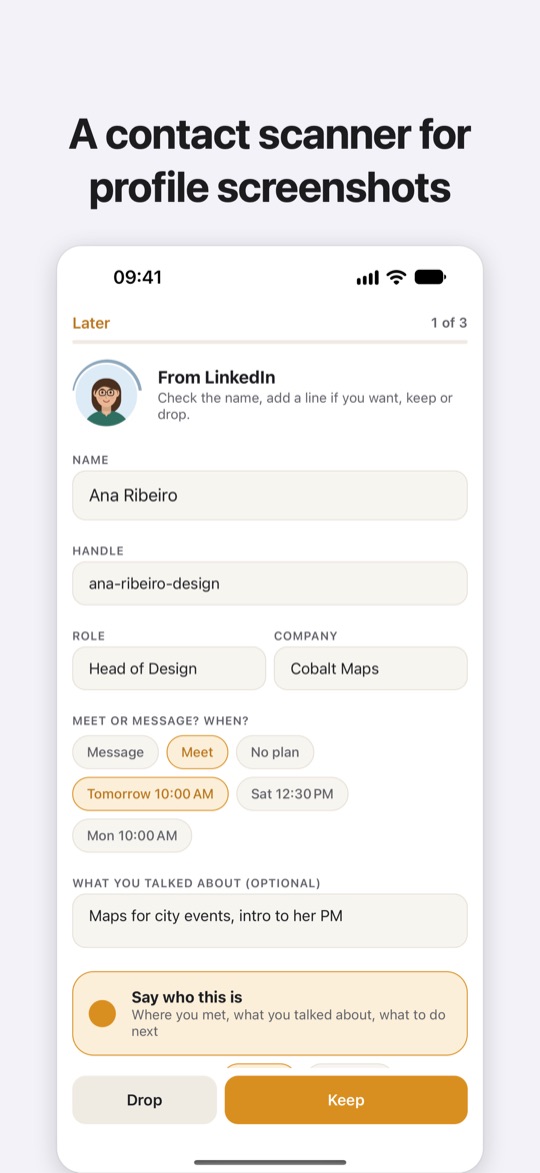
Pick up to 20 profile screenshots at once, or send them from Photos with the Share button. Your iPhone reads each one and fills in the name, handle, role, company and profile photo. Screenshots of social and professional profiles work.
ONE CARD AT A TIME
Go through the cards: fix a name, add a line about what you talked about or record a short voice note, and keep or drop. If you already saved someone, the card tells you.
EVERYONE FROM ONE EVENT
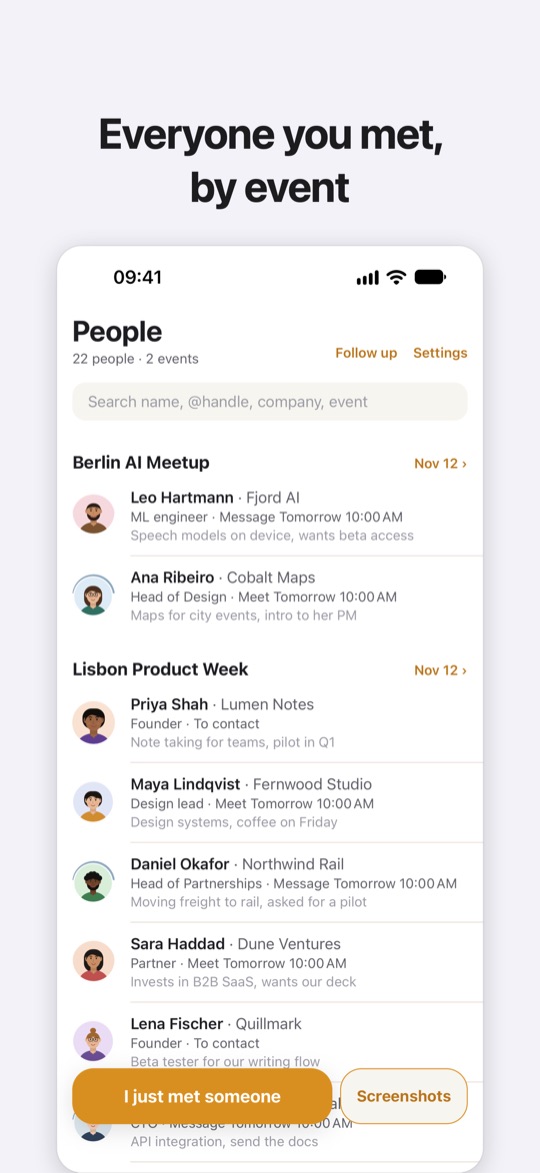
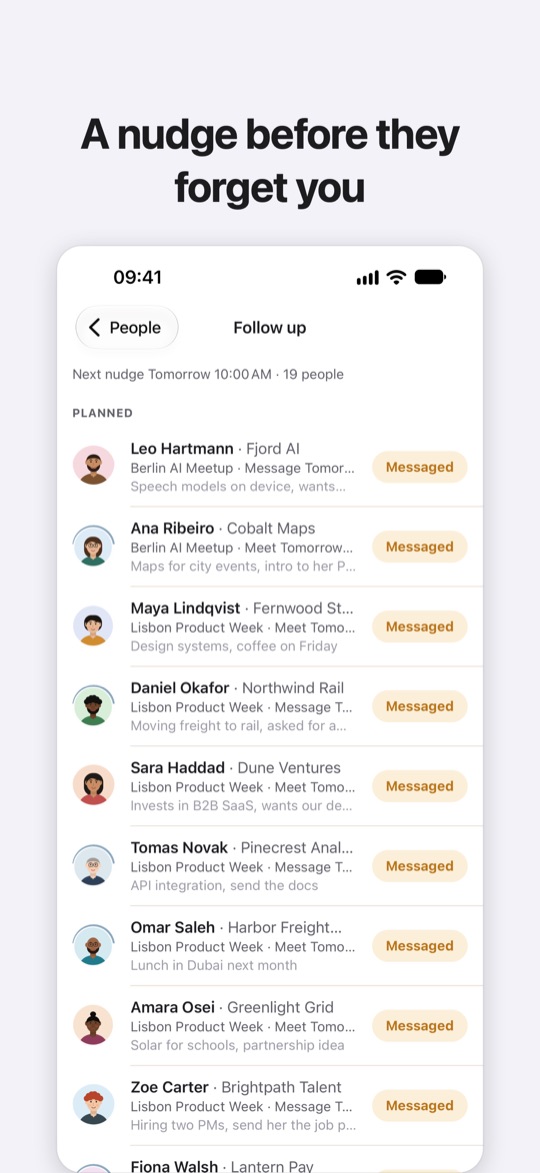
Your people are grouped by event. Open a conference to see who you met there and where each conversation stands.
SAVE TO CONTACTS, EXPORT FOR YOUR CRM
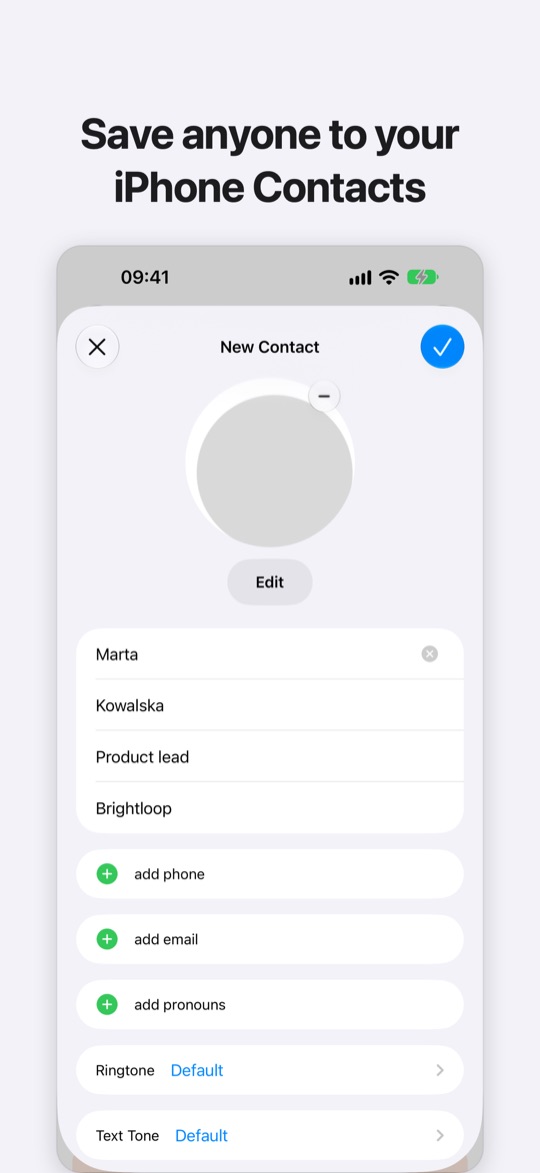
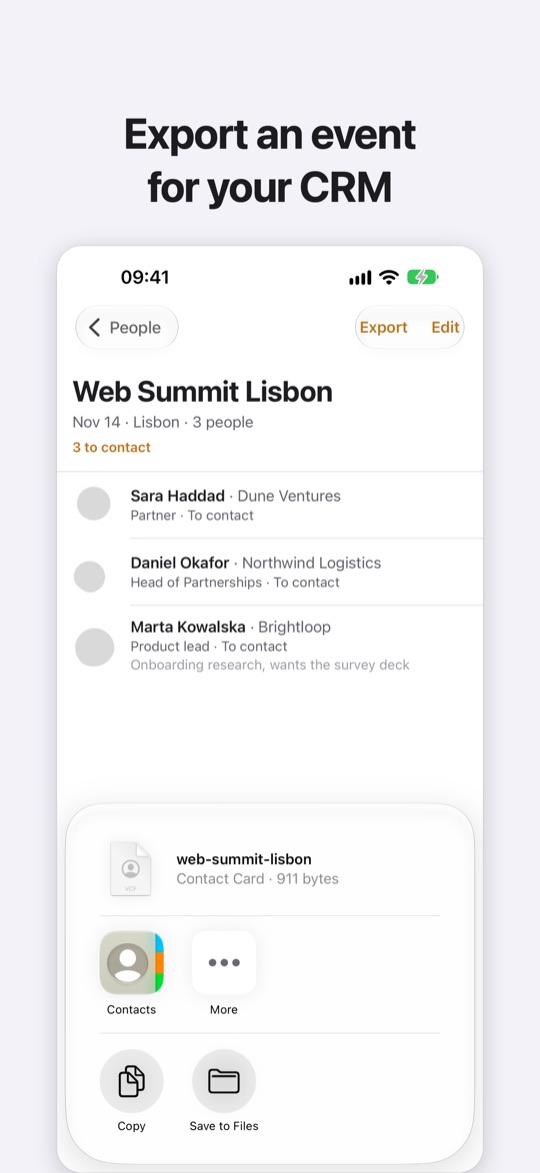
Add anyone to your iPhone Contacts with name, company, role, profile link and a note on where you met. Export a whole event as a spreadsheet (CSV) or one contacts file (vCard) to paste into your CRM or a shared sheet.
A PLAN AND A NUDGE
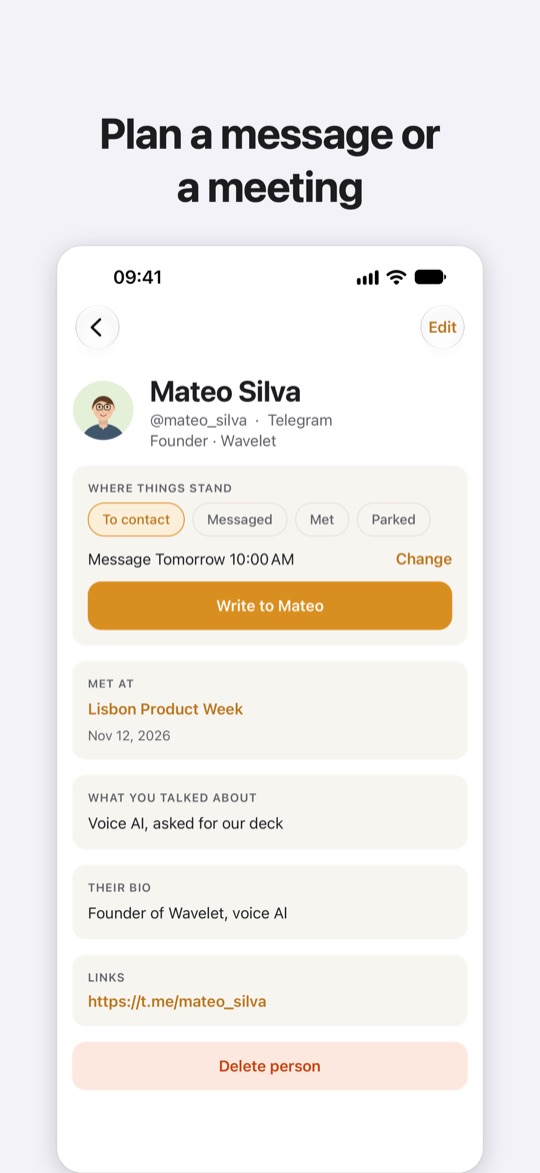
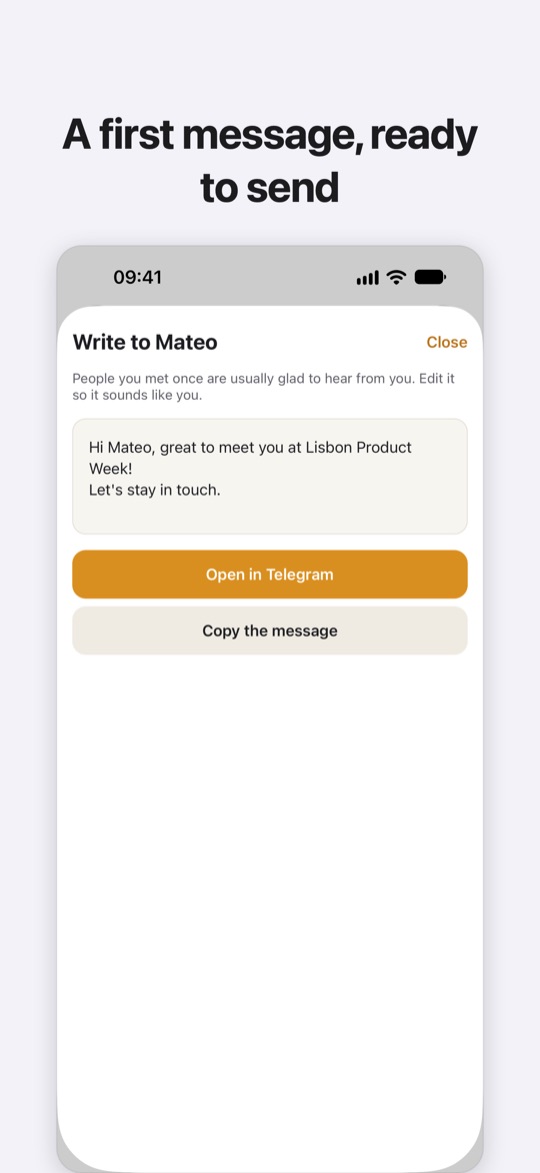
For each person, choose message or meet, plus a day and time. Conf Circles reminds you the morning after, at the time you chose, and once on Monday. One reminder a day at most and three per person, then it stops. When you are ready, it drafts a short message from your notes and opens the chat in your messenger, or copies the draft and opens the profile.
NO SCREENSHOT?
Met someone by the coffee machine? Say their name and what you talked about. The voice note turns into text on your iPhone, in English or Ukrainian.
The screenshots are read on your iPhone and deleted right after; only the profile photo stays. Conf Circles never signs in to your social accounts and never reads your address book. It uploads nothing.